Hair salon website template with prices and LINE booking
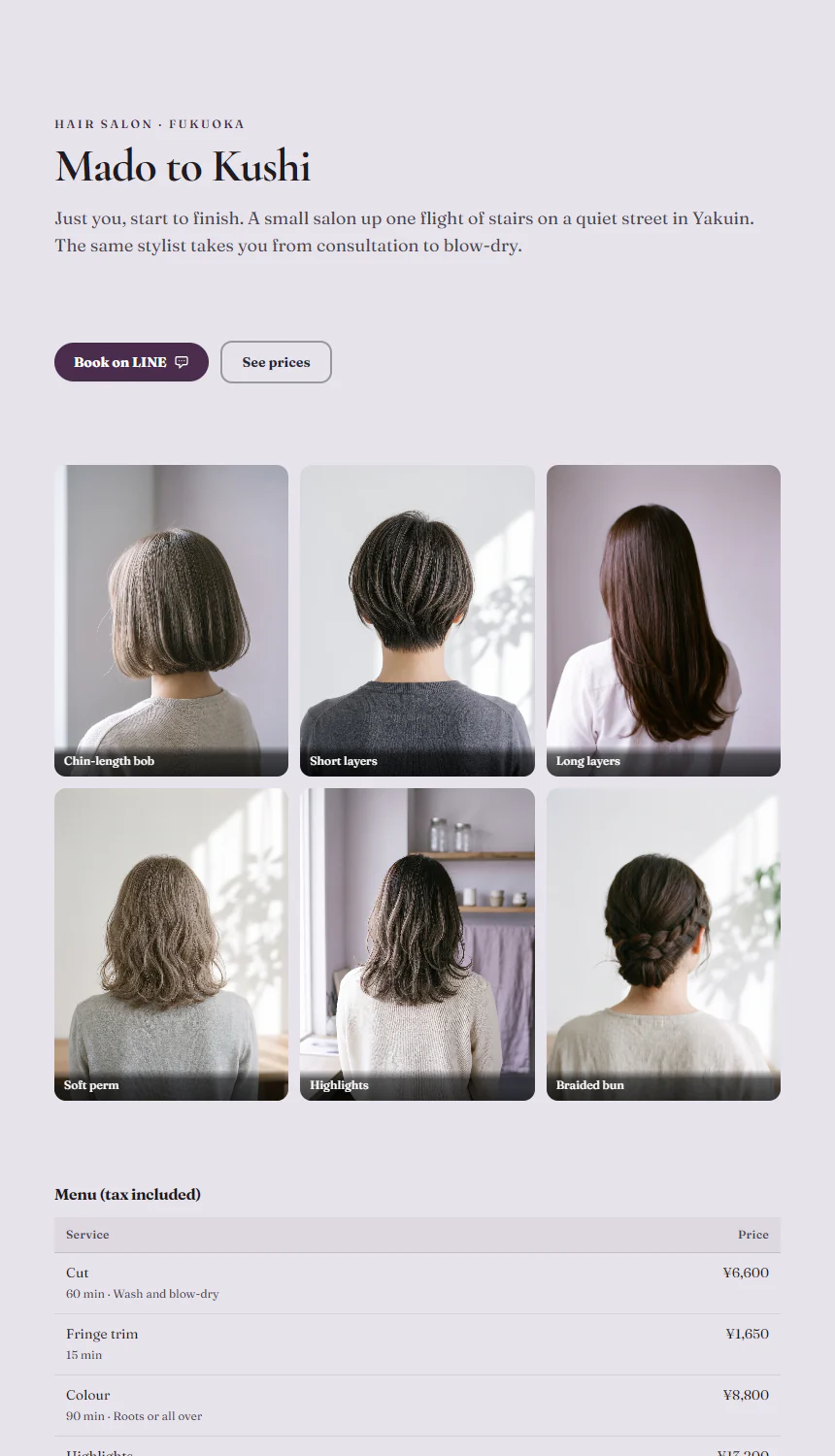
A hair salon website template: six style photos in a grid, a price list with times, the stylist, two reviews, hours, a map and LINE booking on one page.
Who it is for
For a small hair salon, or a stylist who works alone and takes bookings by message: your name, a grid of finished styles, a price list with times, the stylist, two reviews, hours, a map and LINE booking on one page. The page is ash lavender with aubergine buttons: the salon’s name and one line on the left, two buttons under them, then six photographs of finished cuts in three columns. The demo is a made-up salon in Yakuin, Fukuoka, Japan.
Change the name first, then put your own work into the grid: six upright photographs (3:4) taken from behind or the side against a plain wall keep the columns even, and a short caption names each style. Ask guests before you post photographs of them. Put your services, times and prices into the price list, set your weekly hours and closing day, enter your address and point both LINE buttons at your add-friend link. The style photographs are AI-generated people seen from behind, the stylist’s photograph shows only hands, and the page has no dates in it, so nothing goes out of date.
Write prices and rules as they are. In Japan a taxable business shows consumers prices with consumption tax included (Consumption Tax Act, article 63), so the sample prices are written that way. Japan’s pharmaceuticals act (article 66) bars anyone from false or exaggerated claims about what a cosmetic does, and its act on misleading representations (article 5) covers what you say about a service, so the template says what each service is and how long it takes, never that it repairs damage, grows hair or is the best.
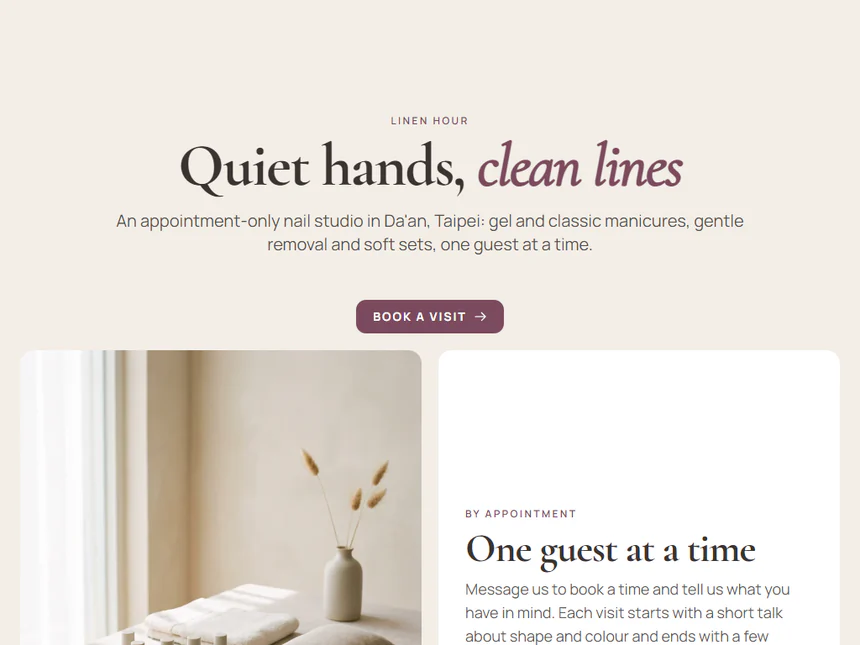
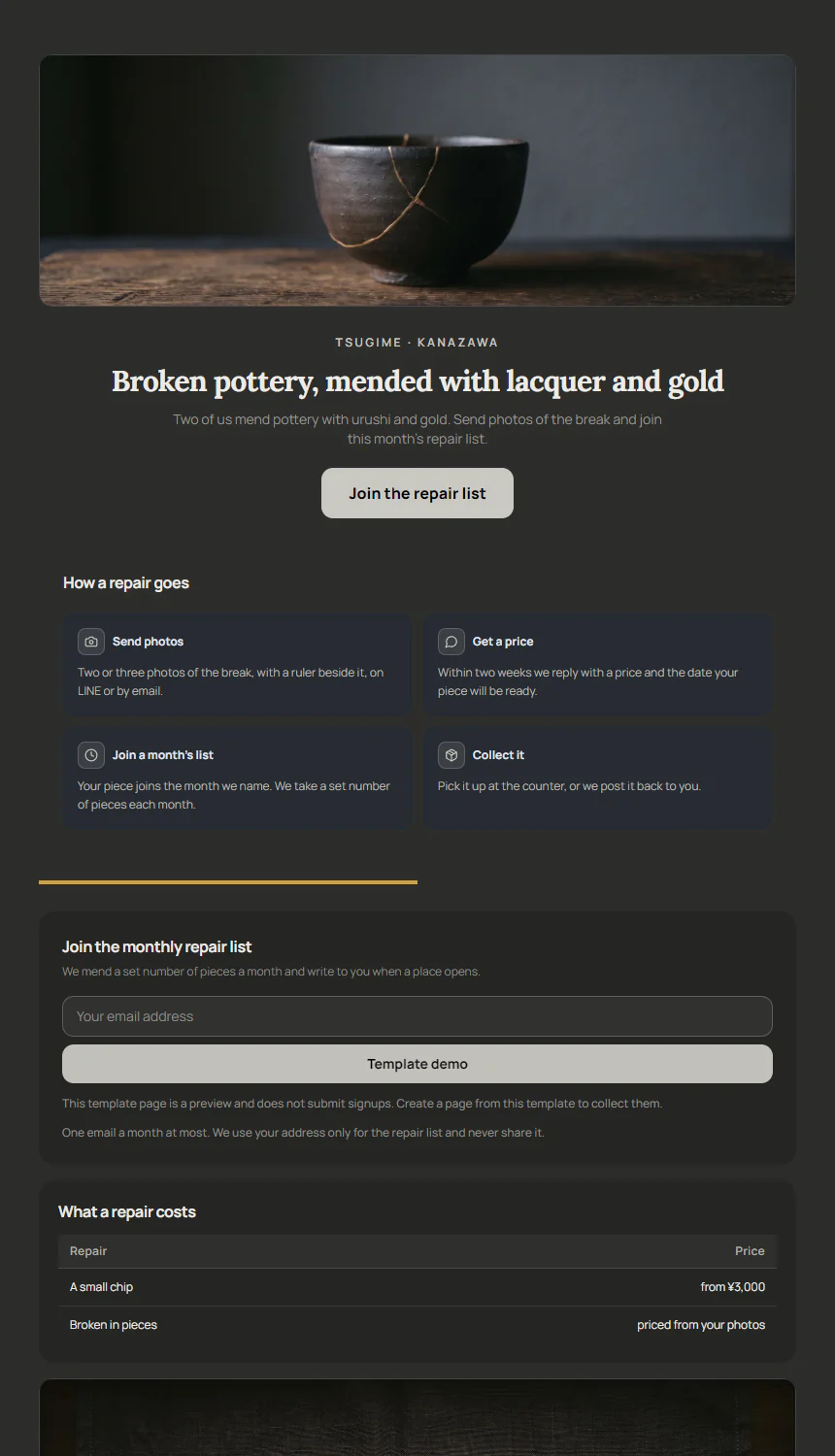
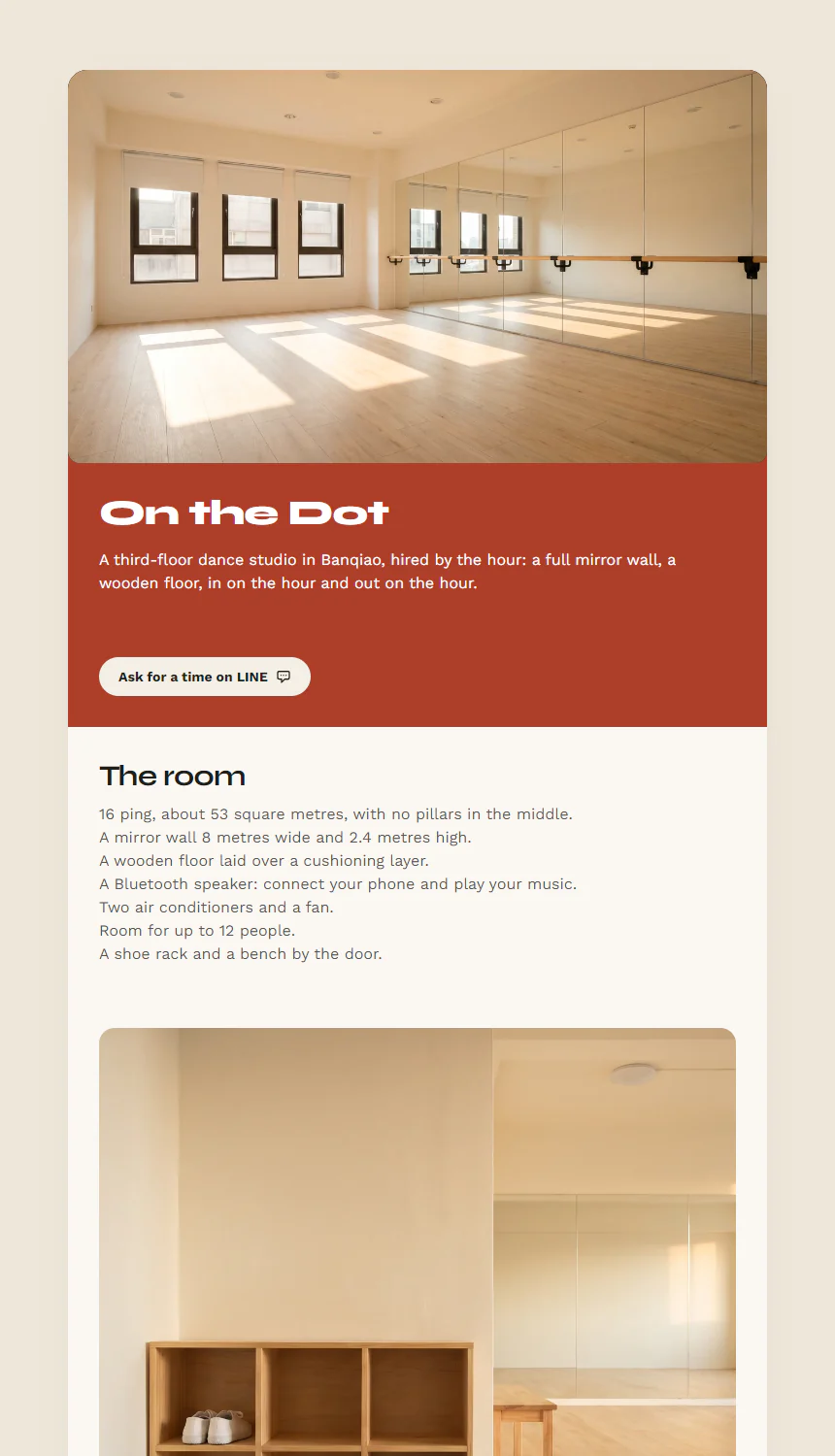
A nail or lash studio fits Linen Hour. A repair or craft workshop with a price list and counter hours fits Tsugime, and a dance or rehearsal room let by the hour, with a rate for each time of day and booking on LINE, fits On the Dot Dance Room.
Replace these five first
- Photo Gallery: Photos
- Data Table: Rows
- Action Button: Primary button link
- Testimonials: Customer Reviews
- Map & Directions: Physical Address
Related templates
Common questions
How do I change a price or add a service?
Click the price list in the editor, change a row or add one, and press Publish changes at the top right; guests see the new prices the next time they open the page. Write the price a guest pays: in Japan that includes consumption tax.
Can I charge a fee for late cancellations?
Write your payment methods and cancellation rule as your salon has them, with any fee and from when it applies. In Japan a cancellation fee in a consumer contract is void for any part above the average loss that kind of cancellation causes you (Consumer Contract Act, article 9). The template only asks guests to tell you by the day before and charges nothing.