Dance studio rental website template: hourly rates and rules
Dance studio rental template for a room hired by the hour: a looping video of the space, weekday and weekend rates, house rules and booking on LINE.
Who it is for
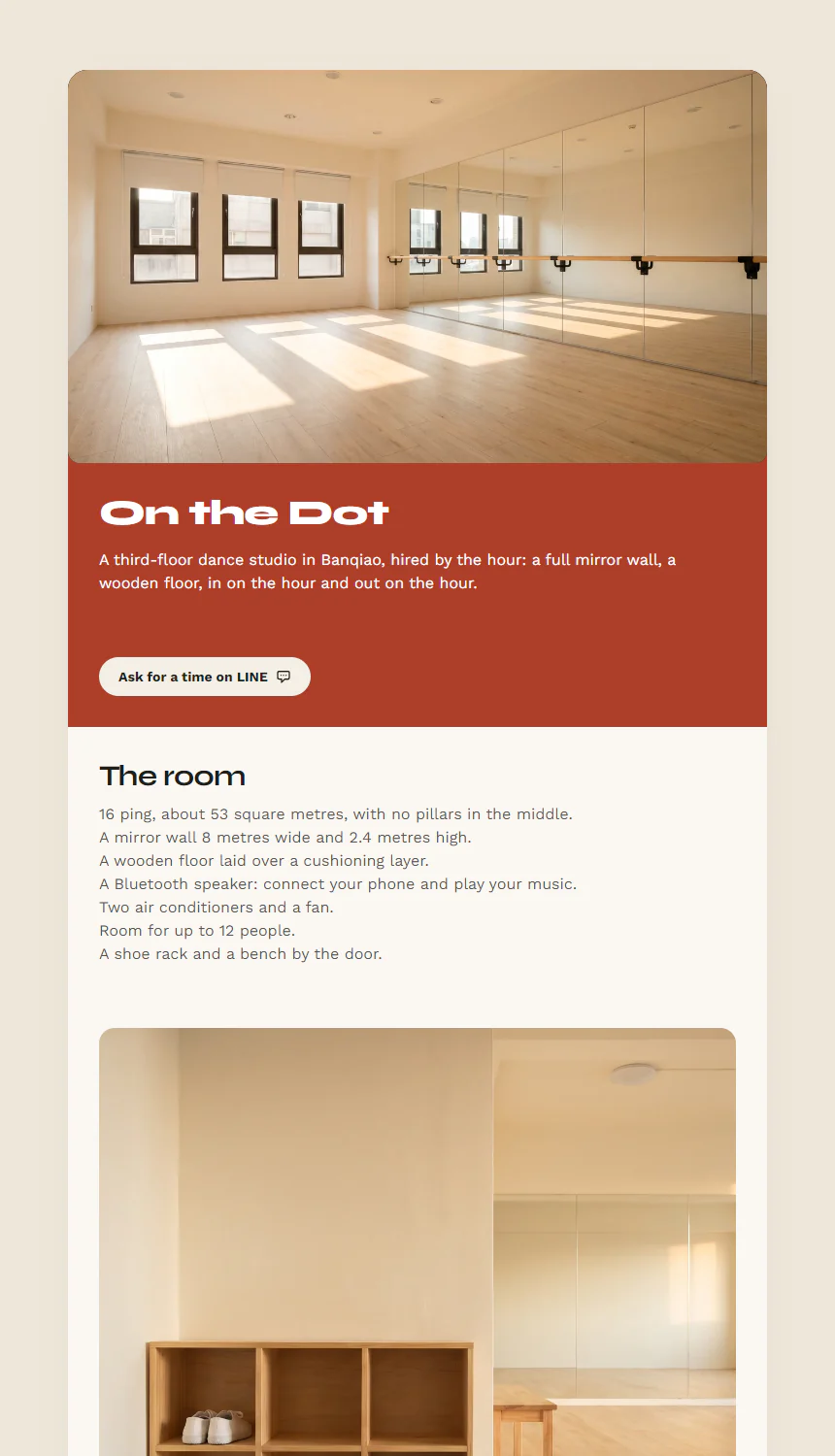
For a dance studio or rehearsal room let by the hour, where people ask for a time on LINE and pay when they arrive. The page opens with an eight-second loop of the empty room, window light moving slowly across the wooden floor, and under it a terracotta band with the studio’s name, one line and a LINE button. Below come the room’s size, mirror wall and floor beside a photograph of the shoe rack at the door; the rates for weekdays, weeknights and weekends, with how to book under them; five house rules beside a photograph of the floor; then four common questions, a map and a contact card. The demo is On the Dot Dance Room, a made-up studio in Banqiao, New Taipei, Taiwan.
Change the LINE link and the rates first: click the rates table to change any slot’s hours or price, add a row for another slot, or delete one you do not need. Then put your own address on the map and swap the video for one of your own room, so that people see the space they are booking. The photographs and the video are AI-generated and show no people; the page has no dates in it, so nothing goes out of date.
Every slot starts and ends on the hour: the rules ask people to start tidying up five minutes before the end, so the next group can come in on time. The rates, the rules and the lines on paying and on changing a booking are your terms with your customers, so change them to what you actually do.
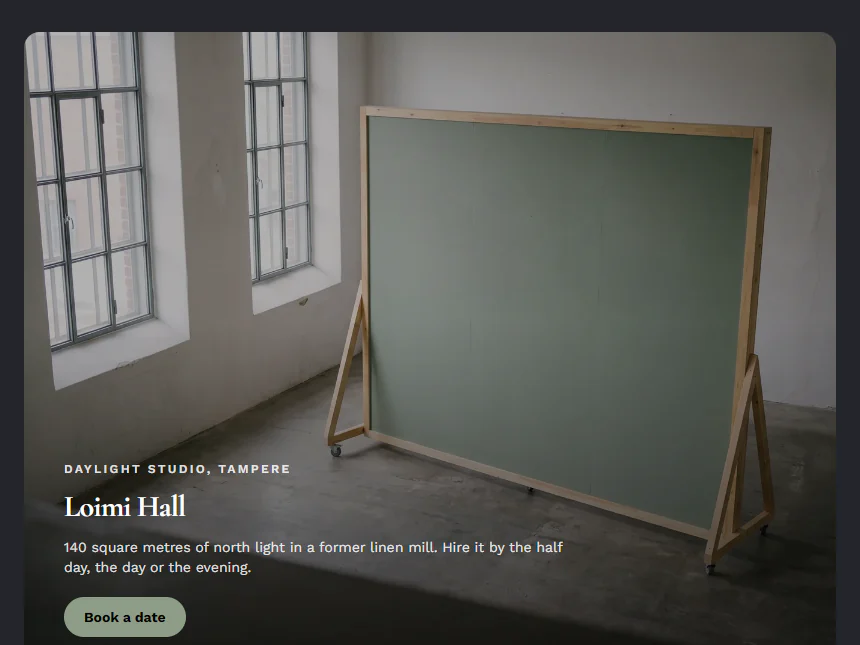
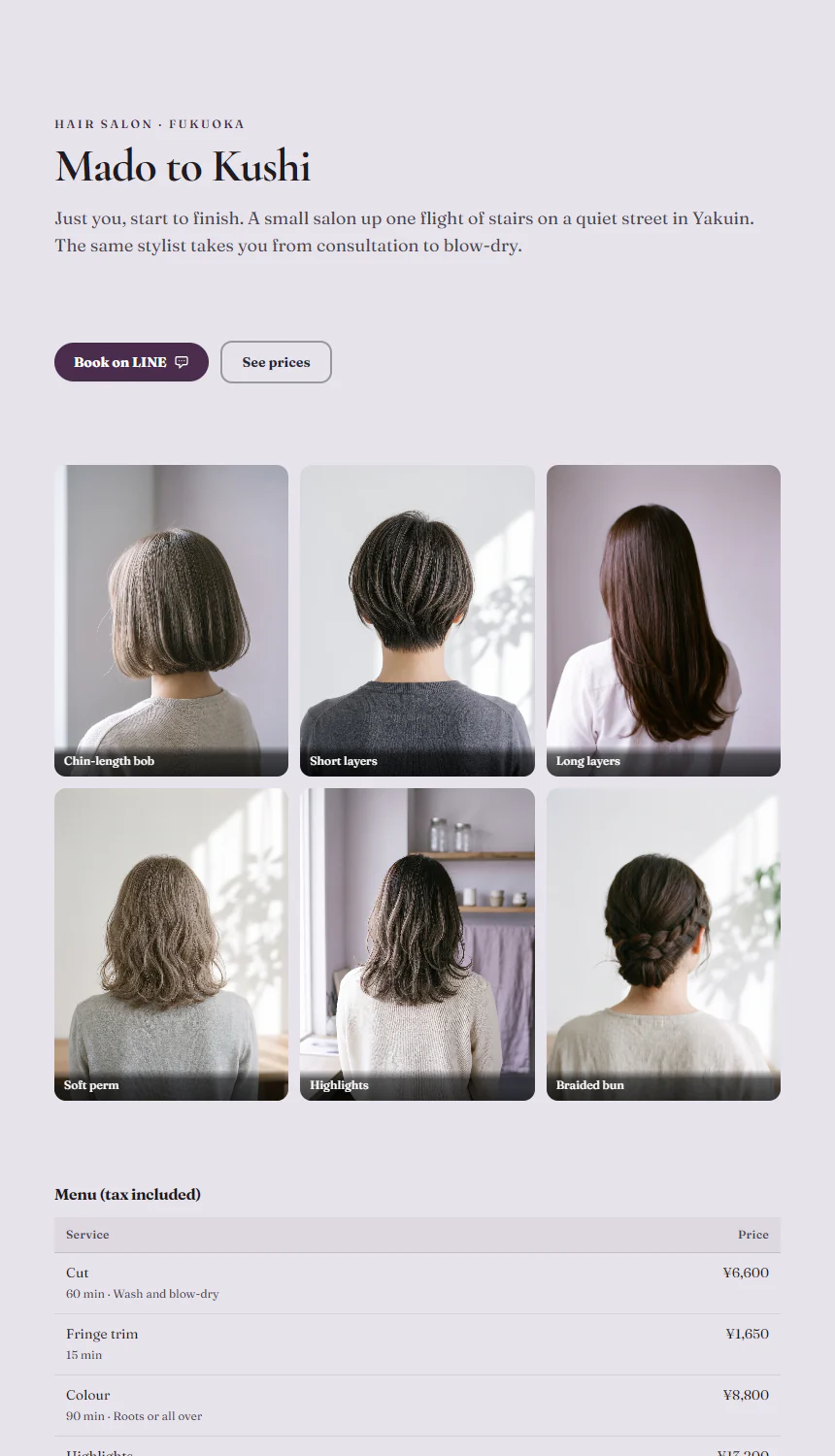
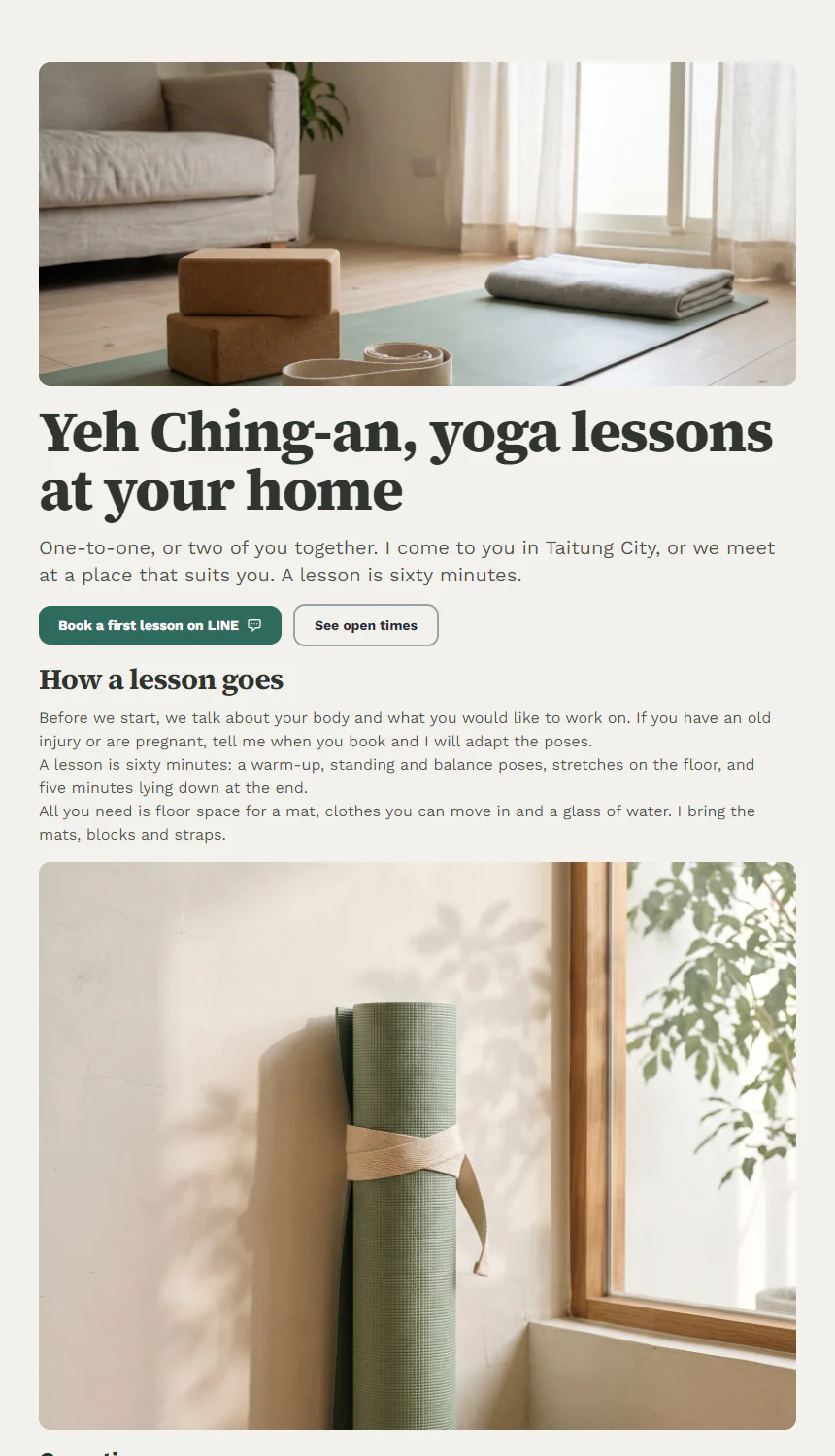
For a photo studio or event space hired out with its capacity, equipment and terms, see Loimi Hall; for a hair salon with a price list and LINE booking, Mado to Kushi; and for a yoga teacher who teaches one-to-one in students’ homes, Yeh Ching-an.
Replace these five first
- Rich Text: Headline Text
- Video Embed: Video URL
- Action Button: Primary button link
- Data Table: Rows
- Map & Directions: Physical Address
Related templates
Common questions
Can it work with a booking system?
The page is the way in, not a booking system. Its button can link to the booking tool you use or to your LINE Official Account, and a customer who taps it goes straight there.
How do I write the deposit and cancellation rules?
They are an agreement between you and your customers, so write them in the house rules or under the rates. The template takes no deposit by default: people pay when they arrive and tell you a day ahead to change the time. Whether to take a deposit is up to you.