Lead magnet landing page template: guide sign-up and sample chapter
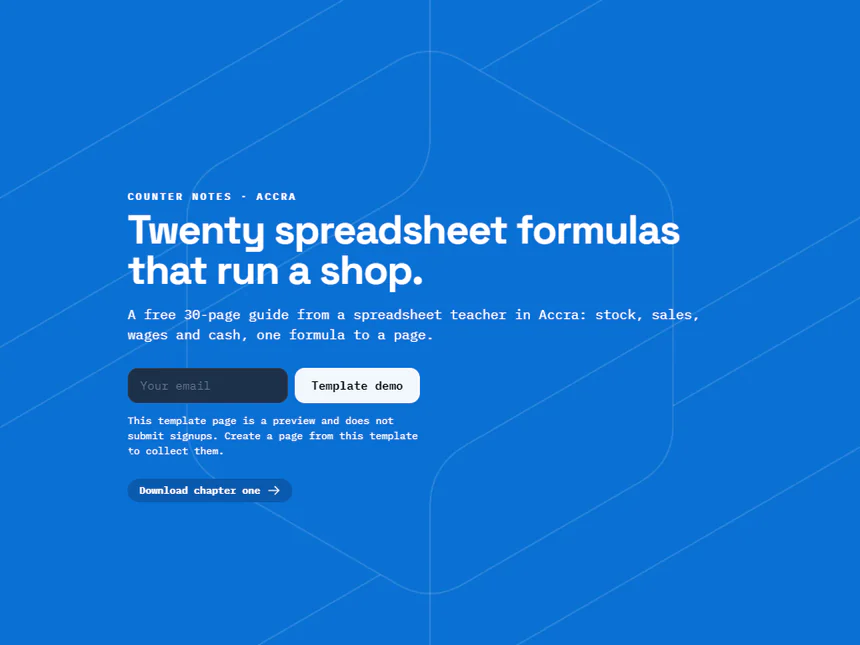
A one-page template to offer a guide by email: what the guide solves, an email form for the full version and a button to download chapter one.
Who it is for
For teachers, consultants and creators who meet new readers through one useful piece of work, such as a spreadsheet guide, a checklist or a book chapter. The demo is a made-up spreadsheet teacher in Ghana, and the page holds a headline, a paragraph, an email form and a button to download chapter one.
Rewrite the headline first around what readers can do once they have the guide, not its title. Use the paragraph for the length, the contents and who it suits. Say in the form description how soon you send it and what follows, then point the download button at your own chapter one.
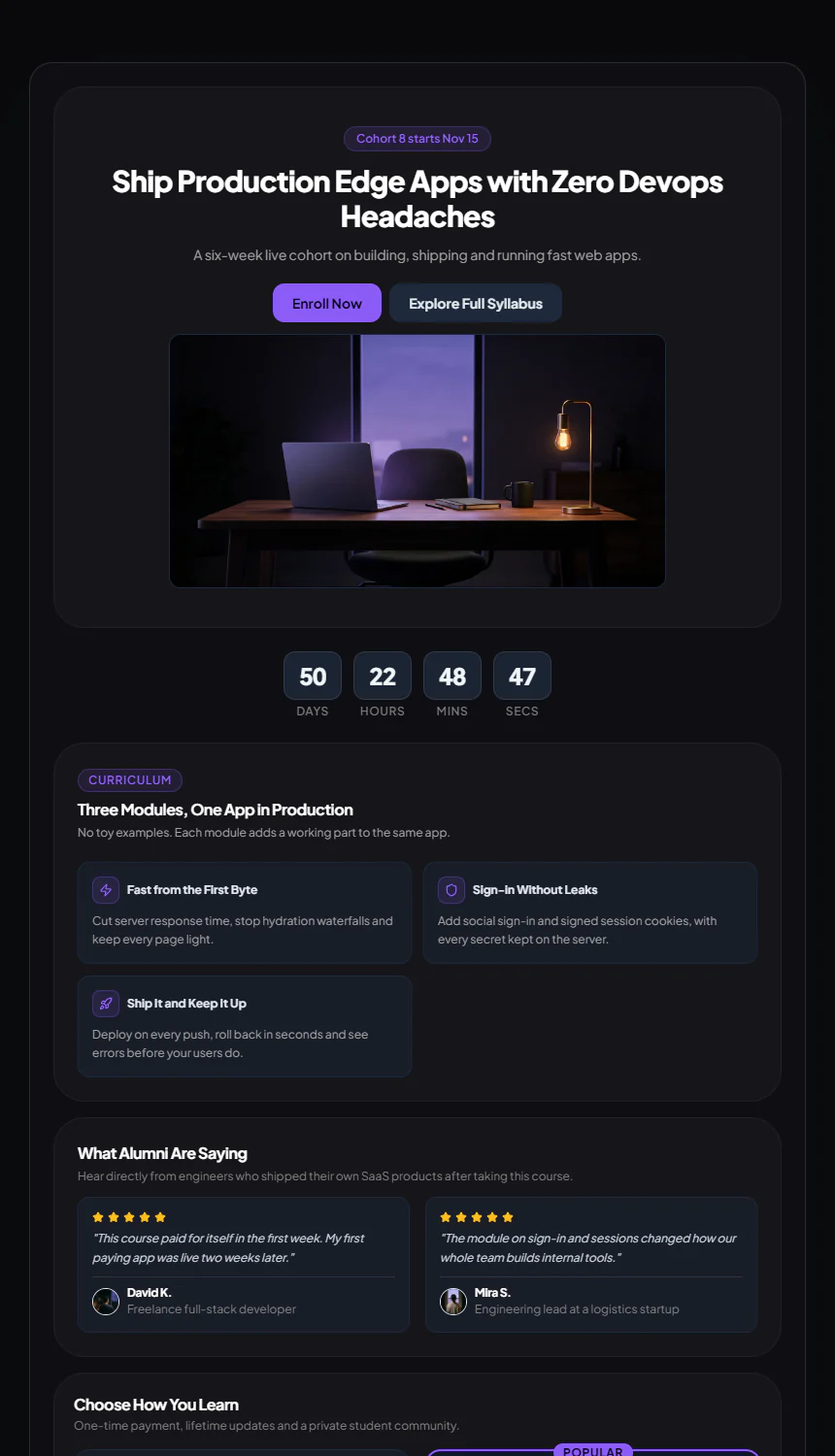
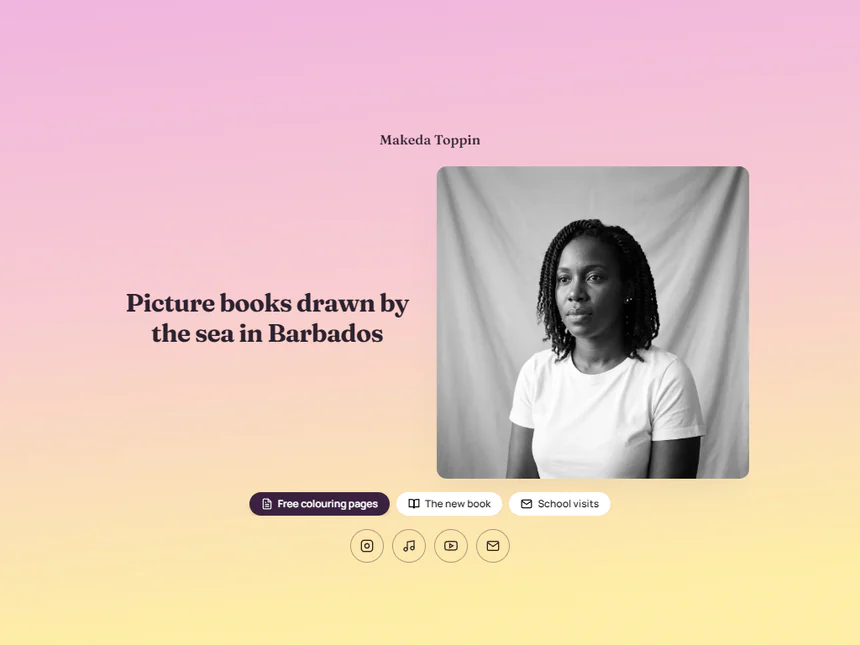
For a course run in cohorts, with a countdown and enrolment options, start from the Craft Course template. An author who only needs a few books and links will find the Makeda Toppin template simpler.
Replace these five first
- Rich Text: Headline Text
- Rich Text: Article Body (Prose)
- Newsletter: Description
- Action Button: Button text
- Action Button: Primary button link
Related templates
Common questions
Is the guide sent automatically when someone signs up?
No. Open Subscribers in the newsletter card's settings, choose Export CSV and send the guide with your own email tool. Say in the description how soon it arrives.
Where does the chapter one file go?
Put it in your cloud storage, turn on link sharing, and paste that link into the button. Tap it once on your phone to check it opens.