Venue and studio hire website template with a booking button
A one-page hire template for studios and venues: a full photo with your name and a booking button, then capacity, equipment and hire terms.
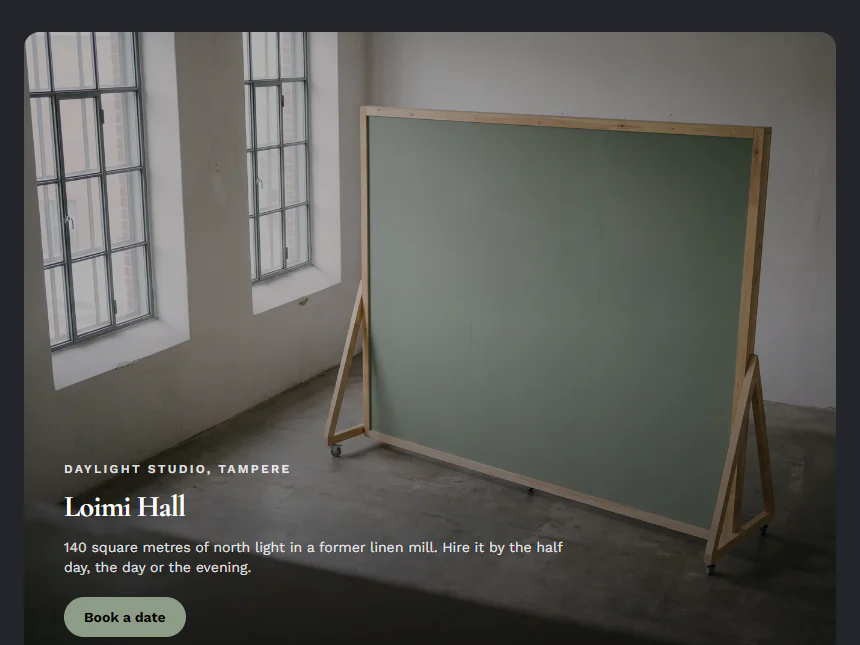
Who it is for
For anyone who hires out a space, such as a photo studio, an event room, a classroom or a meeting room, where people want to know the size, how many fit and what comes with it before they ask for a date. The demo is a made-up daylight studio in Finland: a full photo of the room, its name, a booking button and one paragraph of hire details.
Swap the photo first for the one that best shows the size and the light, then change the name and the line beneath it. Use the paragraph for capacity, equipment, the units you hire by and how a booking is confirmed, and point the button at your email or booking form.
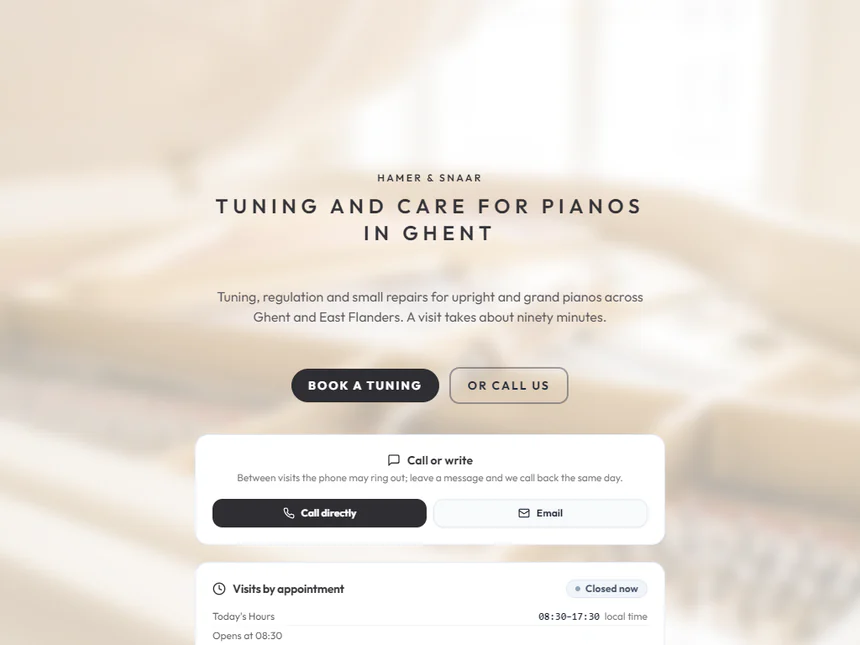
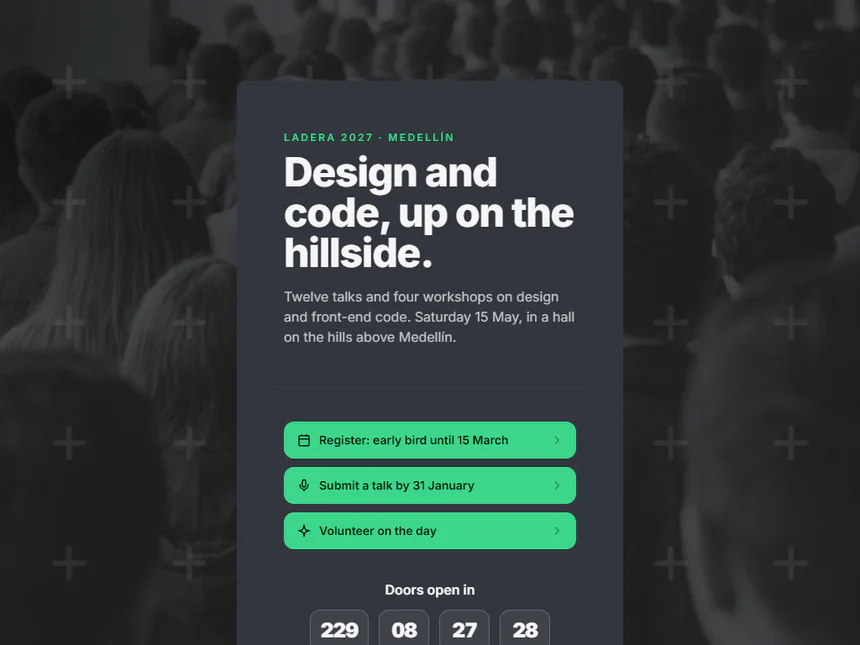
A service you sell by the visit, with opening hours and contact channels, suits the Hamer & Snaar template better. For a one-day event with registration and a countdown, start from the Ladera template.
Replace these five first
- Hero Masthead: Headline
- Hero Masthead: Subheadline
- Hero Masthead: Hero Image
- Hero Masthead: Button Link
- Rich Text: Article Body (Prose)
Related templates
Common questions
Can people pick a date and book on the page?
No, the page has no booking calendar. The button opens an email or the booking form address you enter, and you confirm each request yourself.
How do I show the space from more angles?
Add a Photo Gallery card from Add card, with up to eight photos, under the hire details.