Bubble tea shop website template with a drinks menu and delivery buttons
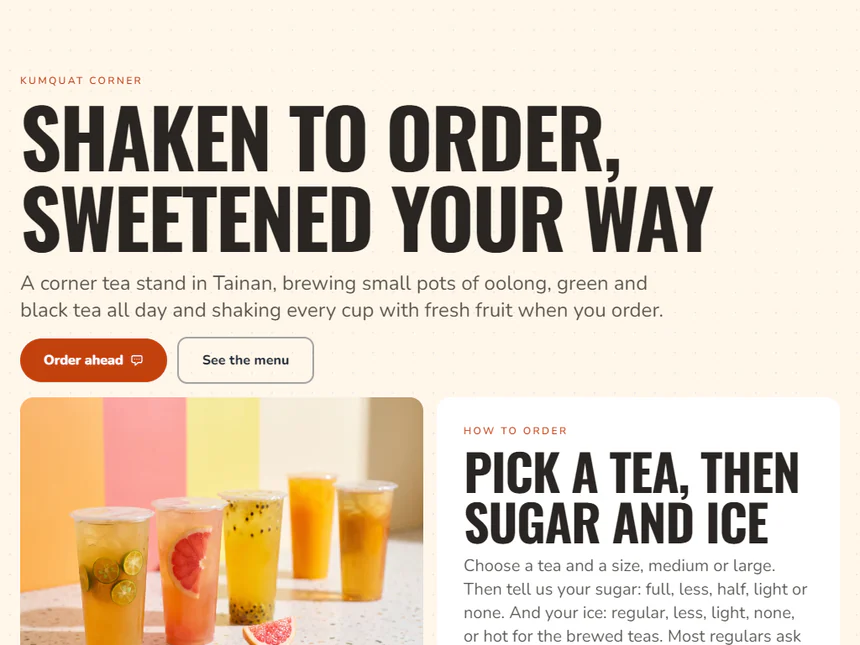
A mobile menu template for tea and juice bars: how to order, drinks tables, a LINE code, hours, a map and buttons for two delivery apps.
Who it is for
For drinks shops with many choices, where customers decide while they queue, such as bubble tea, juice bars and dessert stands. The demo is a made-up tea stand in Tainan: how to order with sugar and ice choices, three menu tables, a LINE code, photos, hours, ordering ahead, a map and delivery buttons.
Rewrite the how to order paragraph first with your own sugar and ice options. Replace the three tables with your drinks and toppings, point the QR code at your LINE add-friend link, and change the note under your hours to your day off. Paste your store links from two delivery apps into the last button card, or delete it.
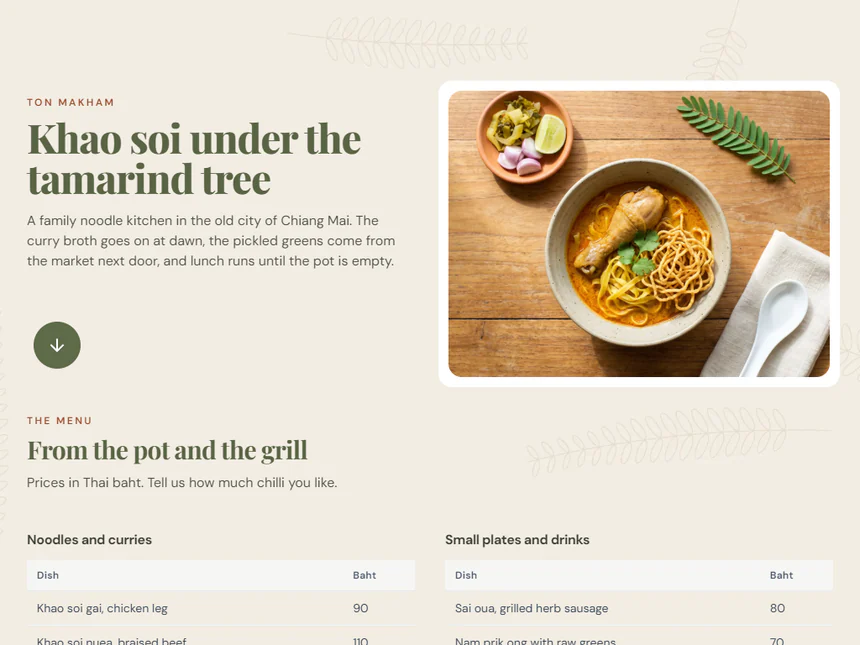
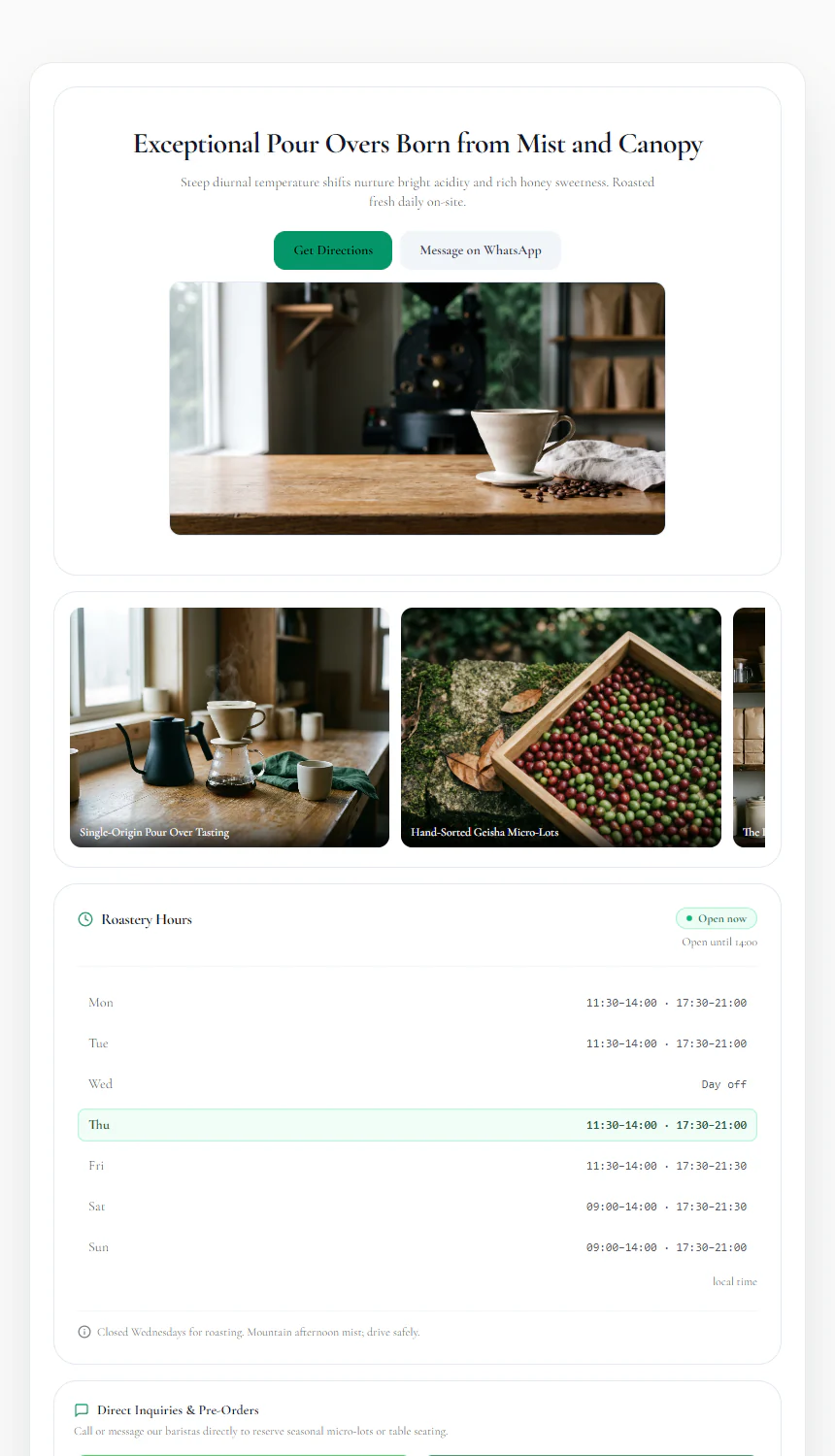
A restaurant where people book a table suits the Ton Makham template better. A cafe that sells on atmosphere and beans will prefer the Alisan Forest Coffee template.
Replace these five first
- Rich Text: Article Body (Prose)
- QR Code: Link
- Opening Hours: Store Notice
- Map & Directions: Physical Address
- Action Button: Second button link
Related templates
Common questions
Where should the delivery buttons link?
To your store on each delivery app. Open your store in the app, copy its share link and paste it into the button links.
Do phone visitors see the LINE code?
On a phone the card shows only a button that adds you on LINE. The code is for people viewing the page on a computer or a large screen.